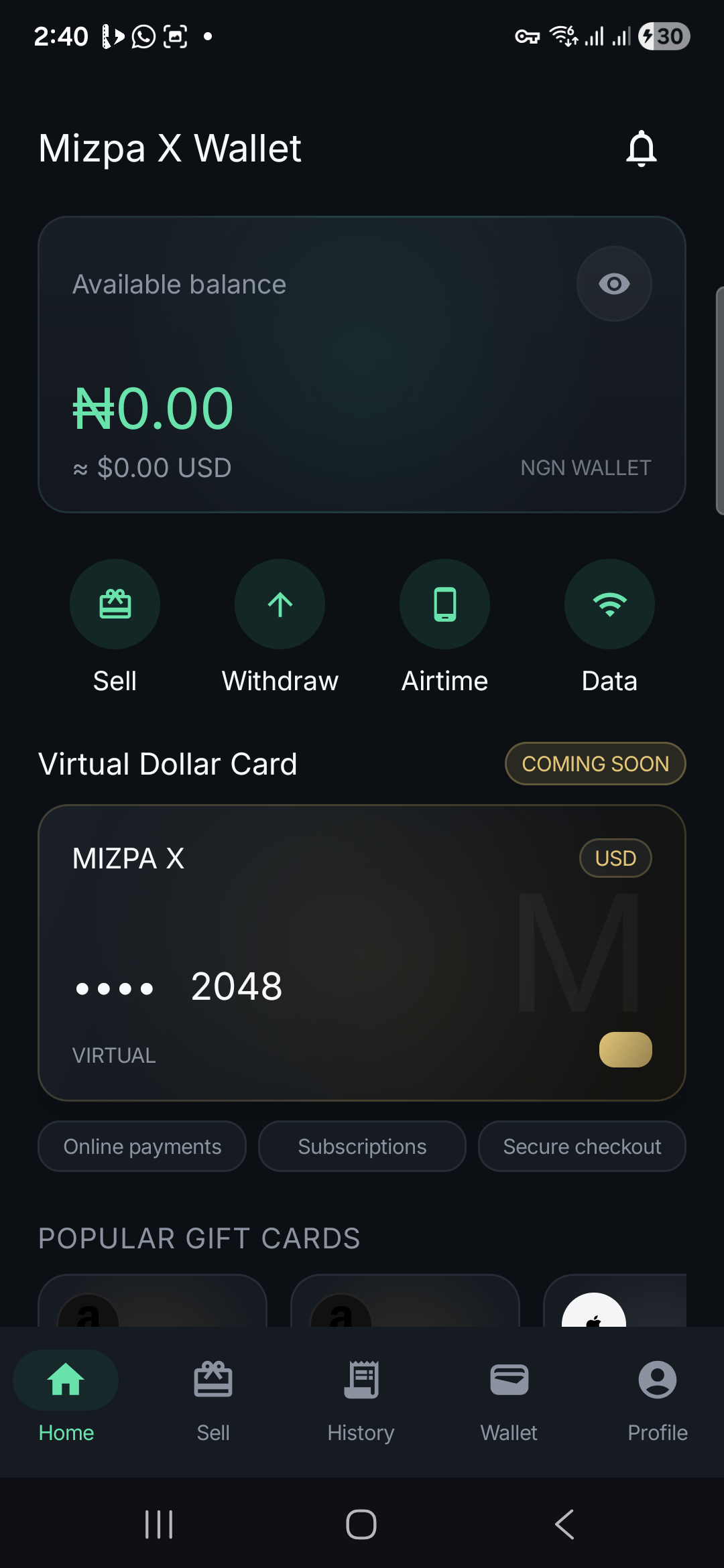
Get Mizpa X Wallet
Android app or iPhone Home Screen.
Android users can install the official Mizpa X Wallet APK. iPhone users can open app.mizpax.com in Safari and save it to the Home Screen.
Android
Version 1.0.17 includes the current customer specific gift card pricing logic and the latest Mizpa X Digital screen.
Version1.0.17
File size4.14 MB
RequirementAndroid 7.0 or newer
Packagecom.mizpax.wallet
SHA256
8A418B2E47FA5880EFEB9185BF52068F882D1C1C0BA299EC7E15ECB21B9C062DiPhone
The iPhone version runs as the Mizpa X web app and can sit on the Home Screen with its own app icon.
- Open app.mizpax.com in Safari.
- Tap the Share button at the bottom of Safari.
- Choose Add to Home Screen and confirm the Mizpa X name.
- Open Mizpa X from the new Home Screen icon and sign in to the same account.
Installation note
Android may ask to approve the browser as an install source.
When an APK is installed directly from mizpax.com, Android can ask for permission to install apps from the browser or file manager. The official file on this page is signed with the Mizpa X production certificate.